
Note: As an Amazon Associate, I handpicked these trending products for you. Supporting links included at no extra cost to you.
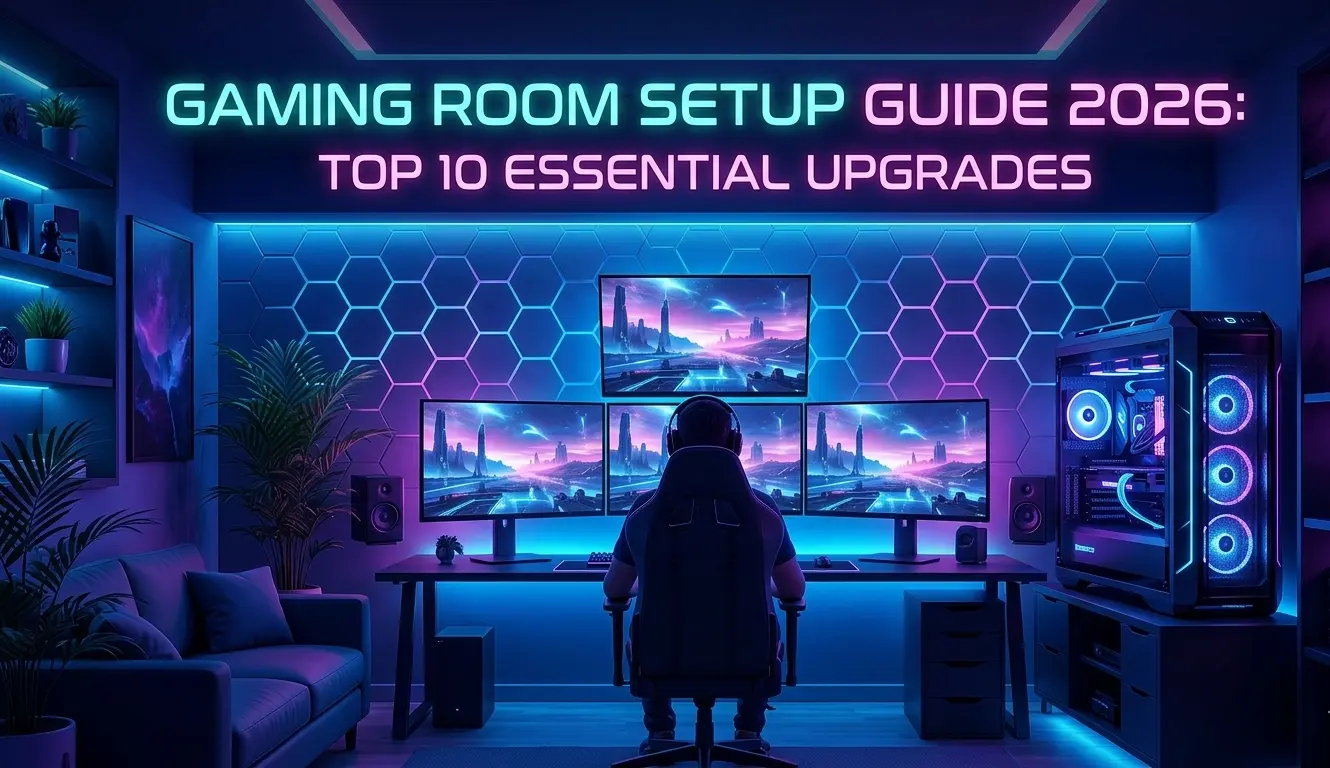
Building the ultimate gaming room setup in 2026 is no longer about purchasing the most expensive graphics card or covering every wall with RGB lights. Industry trends, gaming communities, and workspace design experts increasingly point toward a different approach: creating a space that improves comfort, immersion, productivity, and long-term health.
The best gaming rooms combine three key elements—lighting, acoustics, and ergonomics. Together, they help reduce fatigue, improve focus, and create a more enjoyable experience whether you’re gaming competitively, streaming, working remotely, or simply relaxing.
If you’re planning to upgrade your setup this year, these are the ten improvements that deliver the biggest impact.
The Ultimate Gaming Room Setup Checklist for 2026
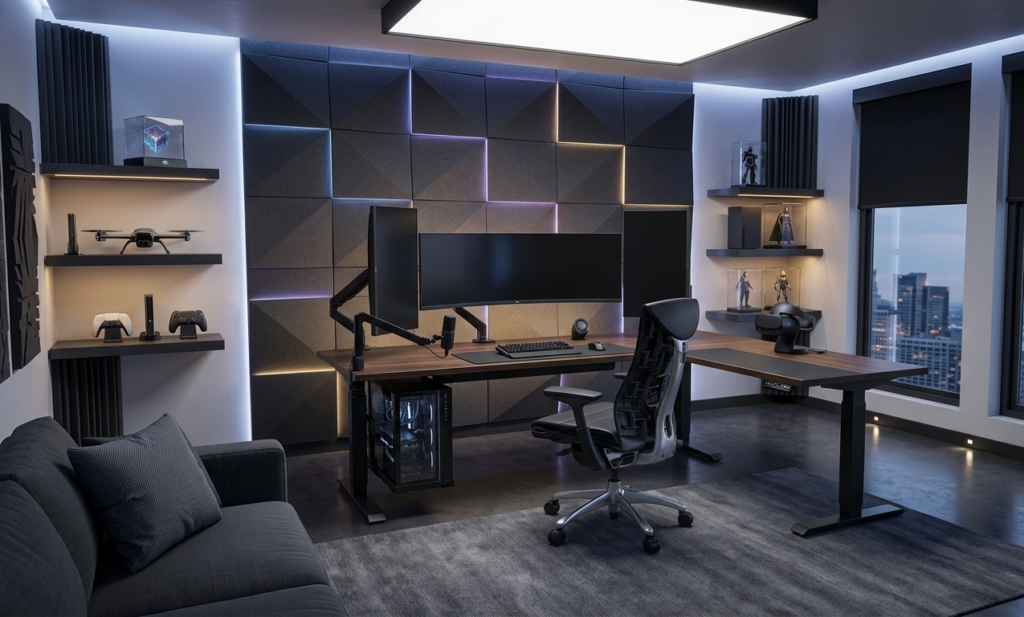
Modern gaming spaces have evolved into multi-purpose environments. Many gamers now use the same room for gaming, content creation, video calls, editing, and entertainment.
As a result, today’s gaming room setup focuses on performance and comfort rather than aesthetics alone.
1. Install Layered Lighting Instead of Relying Only on RGB
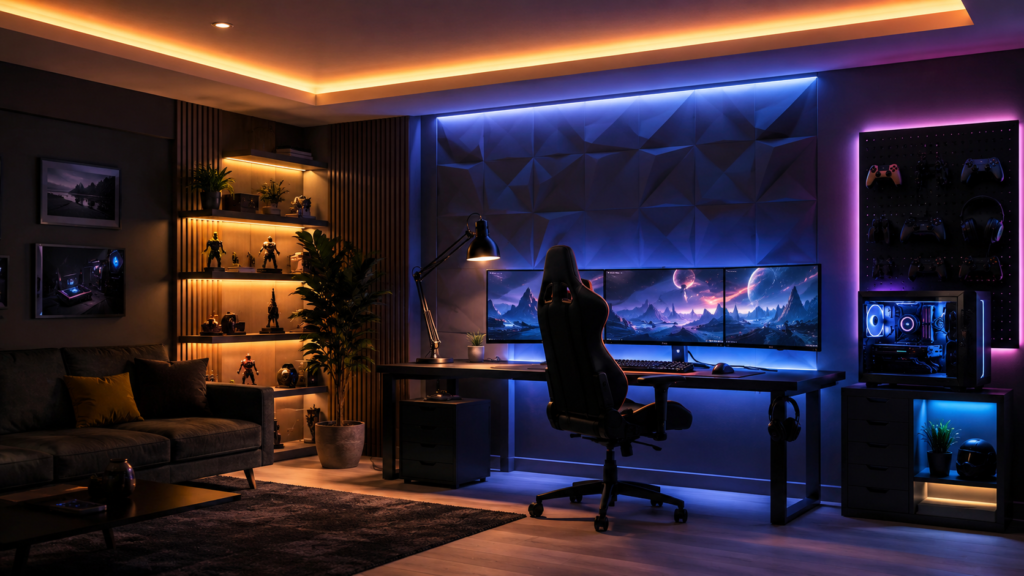
One of the biggest mistakes gamers make is using a single light source.
Lighting experts generally recommend a layered approach that combines ambient, task, and accent lighting.
| Lighting Type | Purpose | Recommended Placement |
| Ambient | Overall room brightness | Ceiling lights |
| Task | Focused visibility | Desk lamps |
| Accent | Atmosphere and immersion | LED strips and wall panels |
This approach helps reduce harsh contrasts and creates a more comfortable viewing environment.
Why It Matters
- Reduces eye fatigue
- Improves room aesthetics
- Creates better gaming immersion
- Supports longer sessions
Complete your dark aesthetic with these stunning hexagon wall panels:
2. Add Bias Lighting Behind Your Monitor
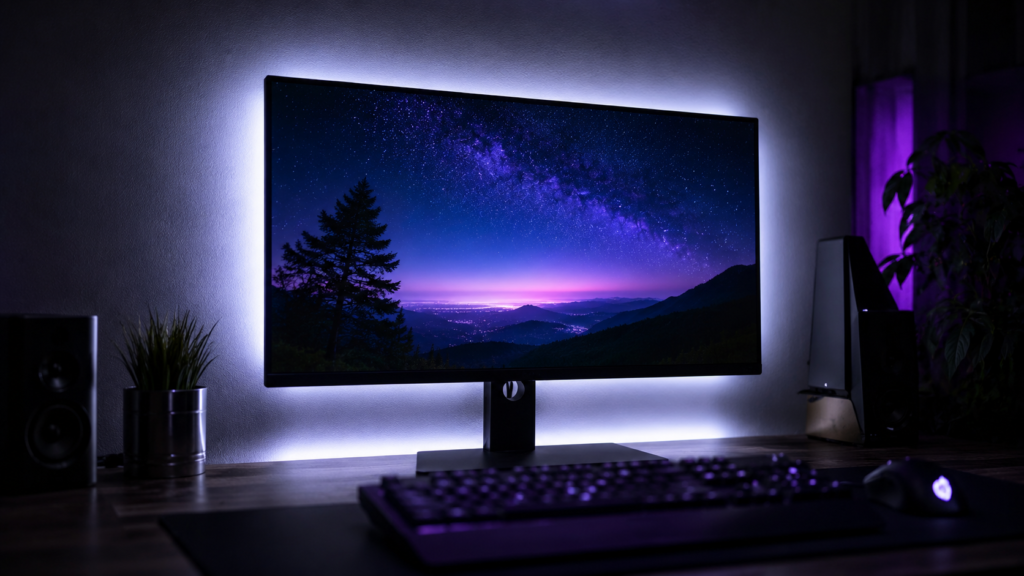
Bias lighting has become one of the most recommended gaming room upgrades.
This technique places soft lighting behind the display, reducing the difference between screen brightness and surrounding darkness.
According to display and workplace ergonomics recommendations, this can improve visual comfort during extended gaming sessions.
Key Benefits
- Less eye strain
- Better perceived contrast
- Improved night-time gaming comfort
- Reduced headaches
Interestingly, many professional streamers now use neutral white bias lighting rather than aggressive RGB effects
Make your screen easier on the eyes instantly:
3. Upgrade to an Ergonomic Gaming Chair
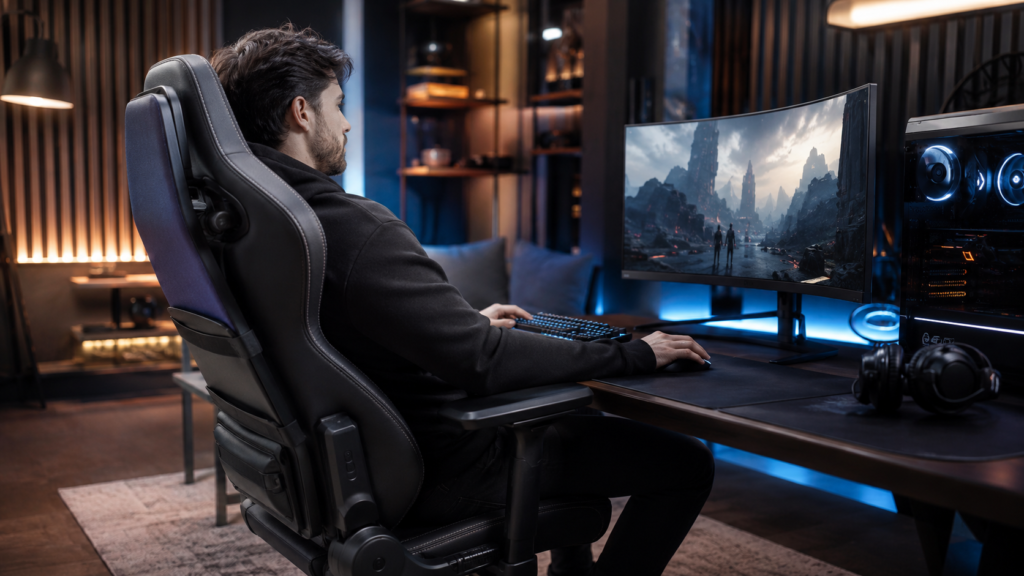
An ergonomic chair remains one of the highest-value investments in any gaming room.
Long gaming sessions can place significant stress on the neck, shoulders, and lower back.
Look for:
- Adjustable lumbar support
- Height adjustment
- Adjustable armrests
- Reclining function
- Breathable materials
A properly fitted chair often provides more daily benefits than a hardware upgrade
Experience next-level comfort with this elite-tier gaming chair:
4. Position Your Monitor Correctly
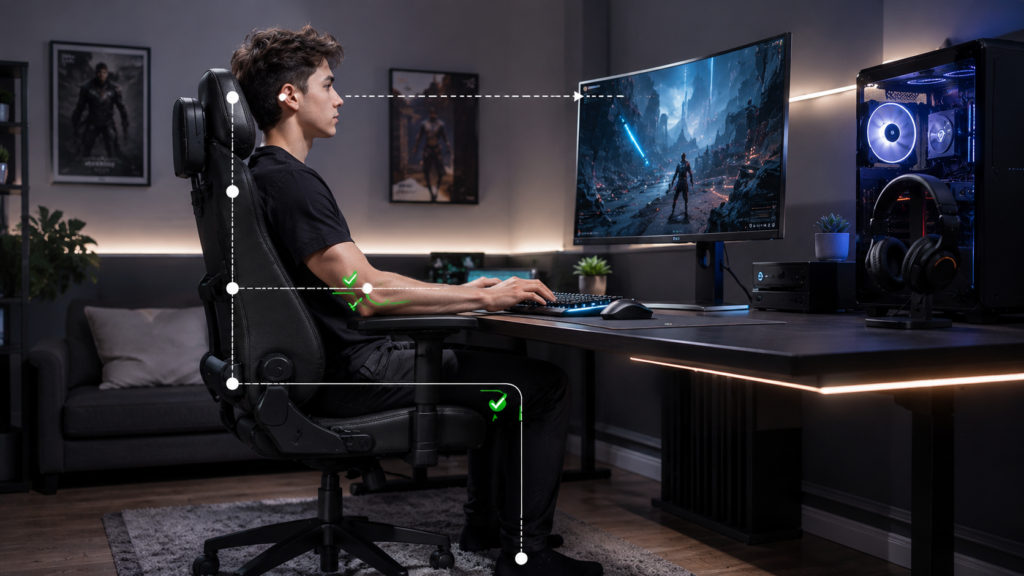
Even premium monitors can cause discomfort if placed incorrectly.
Experts commonly recommend:
- Top of screen near eye level
- Monitor directly in front of the user
- Approximately one arm’s length away
Common Mistakes
- Looking down at the monitor
- Sitting too close
- Using an off-center display
Correct placement reduces neck strain and improves posture
Perfect for work and play—save desk space with this dual monitor arm:
5. Invest in a Height-Adjustable Desk
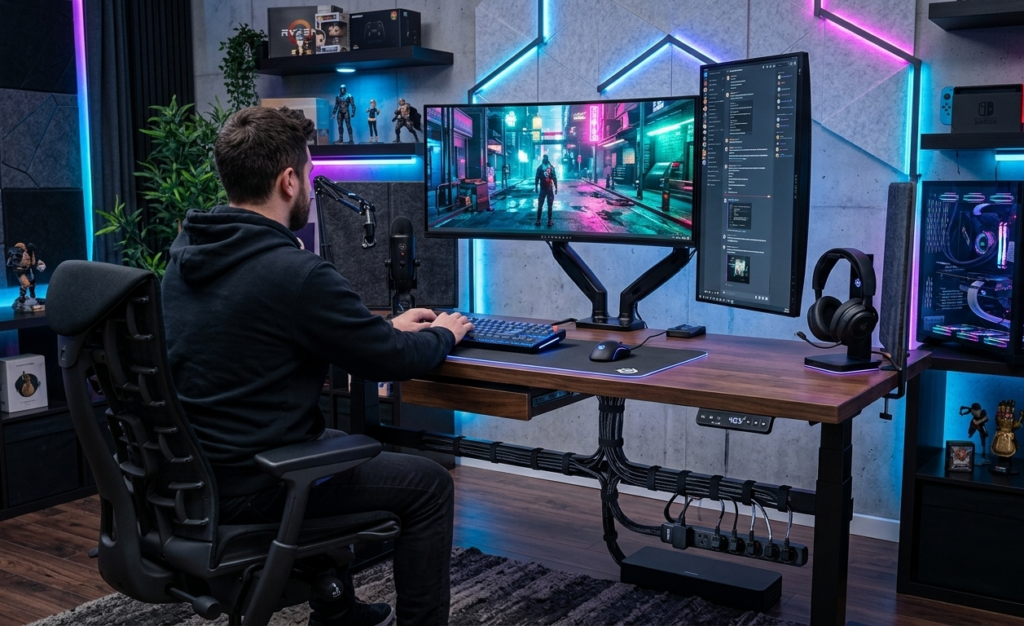
Standing desks continue to gain popularity among gamers and remote workers.
Many modern gaming desks now include:
- Motorized height adjustment
- Built-in cable management
- Larger desktop surfaces
- Monitor arm compatibility
Advantages
- Encourages movement
- Supports better posture
- Accommodates multiple activities
- Reduces prolonged sitting
The goal is flexibility rather than standing all day
Maximize your tiny space with this practical wall-mounted floating desk:
6. Improve Room Acoustics
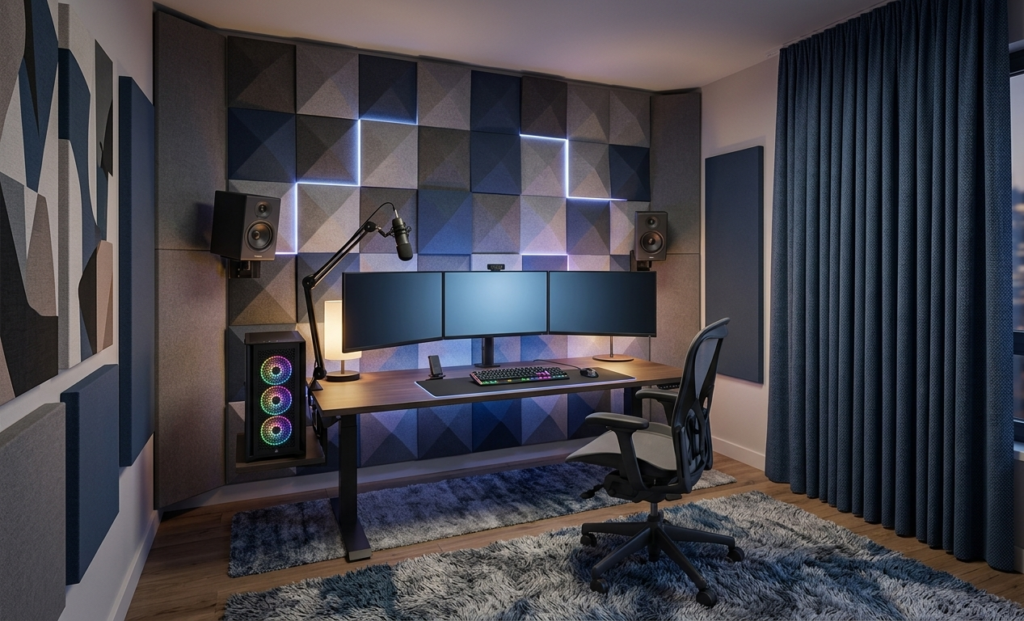
Acoustics remain one of the most overlooked parts of a gaming room setup.
Hard surfaces cause sound reflections that can negatively affect immersion and communication.
Signs of Poor Acoustics
- Echoing voice chat
- Hollow microphone audio
- Excessive room reverb
- Difficulty hearing directional cues
Improving acoustics can make games sound more realistic while improving communication quality
Enhance your room’s sound quality with this studio-style acoustic treatment:
7. Add Acoustic Treatments Strategically
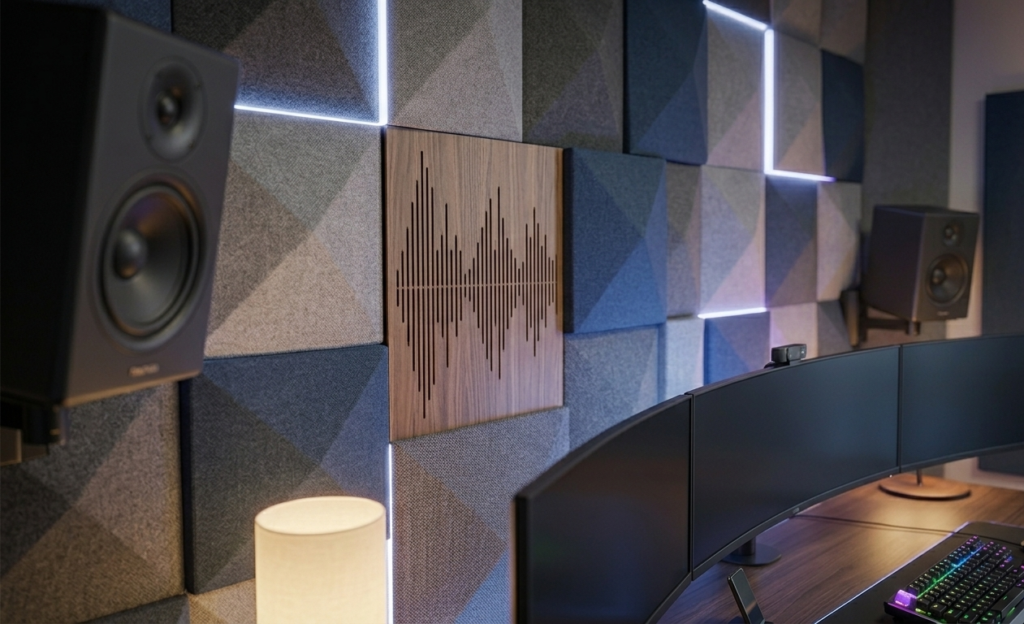
You don’t need a professional recording studio to improve sound quality.
Simple solutions include:
- Thick curtains
- Area rugs
- Fabric furniture
- Acoustic panels
- Wall-mounted acoustic art
- Bookshelves
These materials absorb sound reflections and help create a more balanced audio environment.
Many streaming professionals report noticeable microphone improvements after treating their rooms before upgrading audio equipment
Create a quieter, more focused environment with premium sound control:
8. Organize Cables for a Cleaner Environment
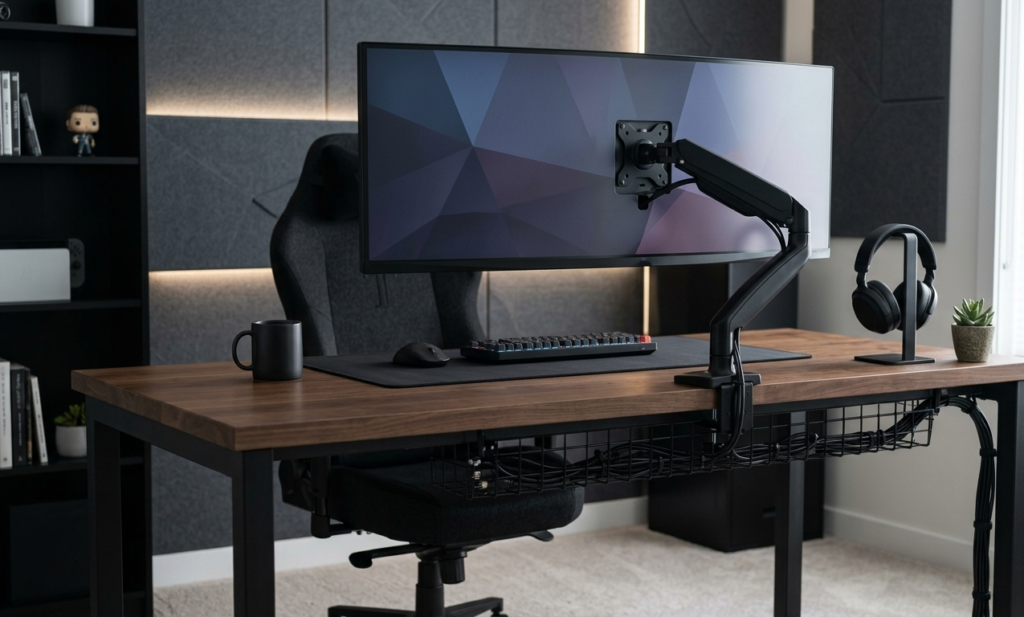
Cable management is one of the easiest and most affordable upgrades available.
A cluttered setup can make even expensive hardware appear disorganized.
Useful Cable Management Tools
- Cable trays
- Velcro ties
- Cable sleeves
- Under-desk mounts
- Monitor arm routing systems
Benefits include:
- Cleaner appearance
- Easier maintenance
- Better airflow
- Faster troubleshooting
Maintain a clean, minimal, and professional setup with effortless cable organization:
9. Optimize Your Desk Layout
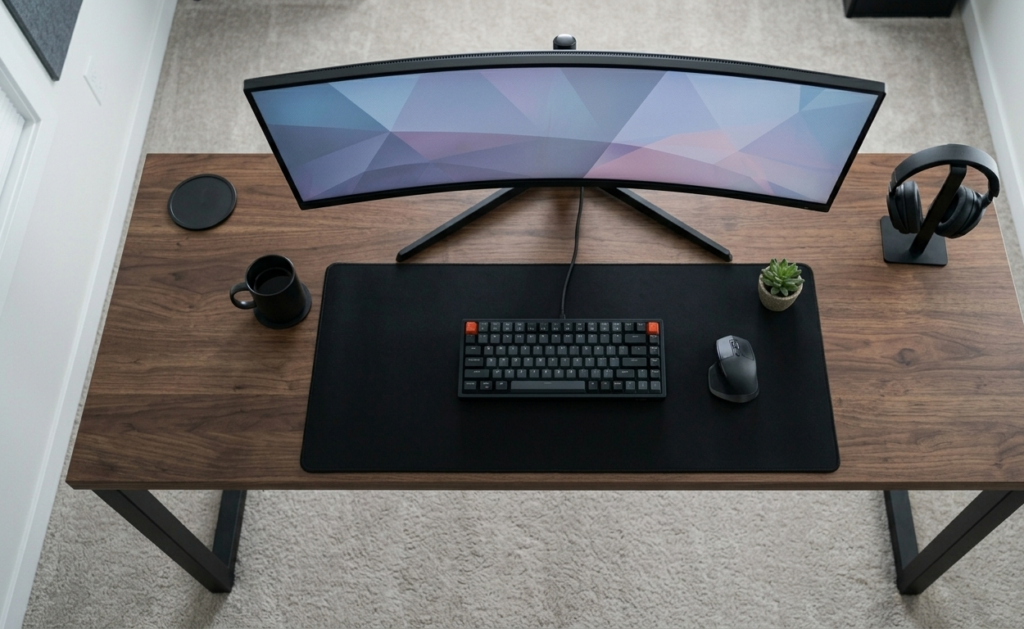
Gaming efficiency often comes down to how accessible your equipment is.
A well-organized desk should place frequently used items within comfortable reach.
Recommended Layout Priorities
- Monitor centered
- Keyboard directly aligned
- Mouse with adequate movement space
- Headset storage nearby
- Minimal desk clutter
This reduces unnecessary movement and creates a more comfortable gaming experience
Upgrade your desk experience with a clean and optimized gaming surface:
10. Design a Multi-Purpose Gaming Space
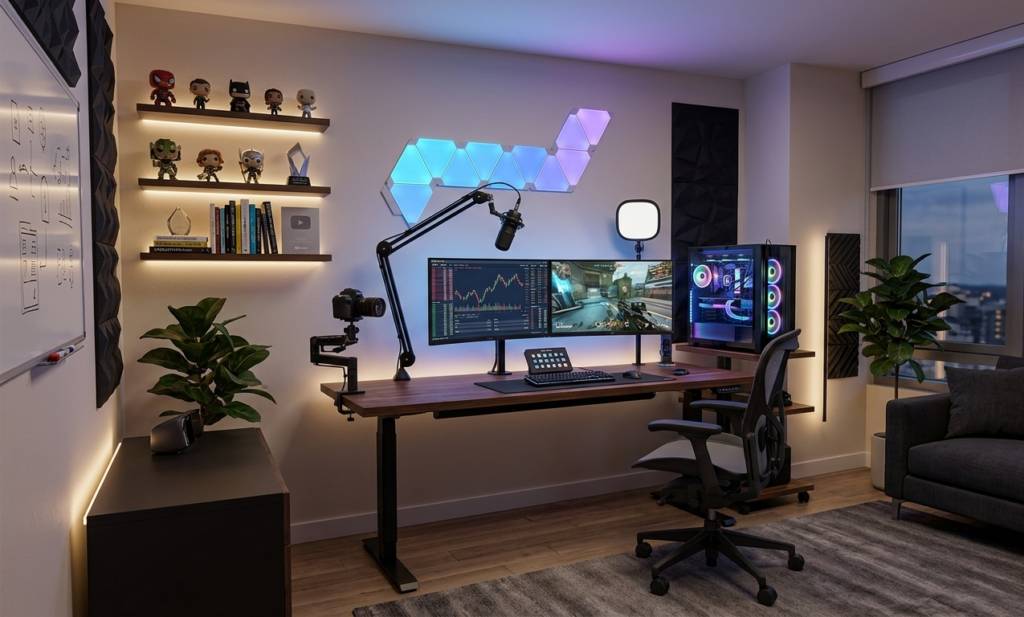
One of the strongest trends shaping gaming room design in 2026 is versatility.
Modern setups increasingly support:
- Gaming
- Streaming
- Remote work
- Video editing
- Content creation
- Entertainment
Features Supporting Multi-Purpose Use
| Feature | Benefit |
| Dual monitors | Productivity and gaming |
| Smart lighting | Multiple room moods |
| Standing desk | Flexibility |
| Acoustic treatment | Better communication |
| Storage solutions | Reduced clutter |
As gaming rooms evolve, flexibility becomes just as important as performance
Control your room’s mood instantly with smart, adaptive lighting technology:
What Trends Are Shaping Gaming Room Setups in 2026?
Several industry trends continue influencing gaming room design:
Smart Lighting Ecosystems
Gamers increasingly use app-controlled lighting systems that automatically adjust brightness and color profiles.
Minimalist Battlestations
Clean desk layouts and hidden cable solutions remain highly popular.
Ergonomic First Design
Comfort-focused furniture is becoming a higher priority than purely aesthetic upgrades.
Hybrid Work-and-Play Spaces
The line between office and gaming room continues to blur as remote work remains common.
Quick Gaming Room Setup Priorities
If you’re working with a limited budget, focus on upgrades in this order:
- Ergonomic chair
- Proper monitor placement
- Bias lighting
- Cable management
- Acoustic improvements
- Adjustable desk
- Smart lighting
- Decorative upgrades
- Streaming accessories
- Advanced room customization
The Bottom Line
The ultimate gaming room setup in 2026 is not defined by flashy RGB lights or expensive hardware alone. The most successful setups prioritize comfort, immersion, and usability. Better lighting reduces eye strain, improved acoustics enhance audio quality, and ergonomic furniture supports long-term health.
For gamers who spend hours at their desk every week, these ten upgrades can deliver a bigger real-world impact than many hardware purchases. The result is a space that looks better, feels better, and performs better every day.